
Therapy & Supports Via Telehealth
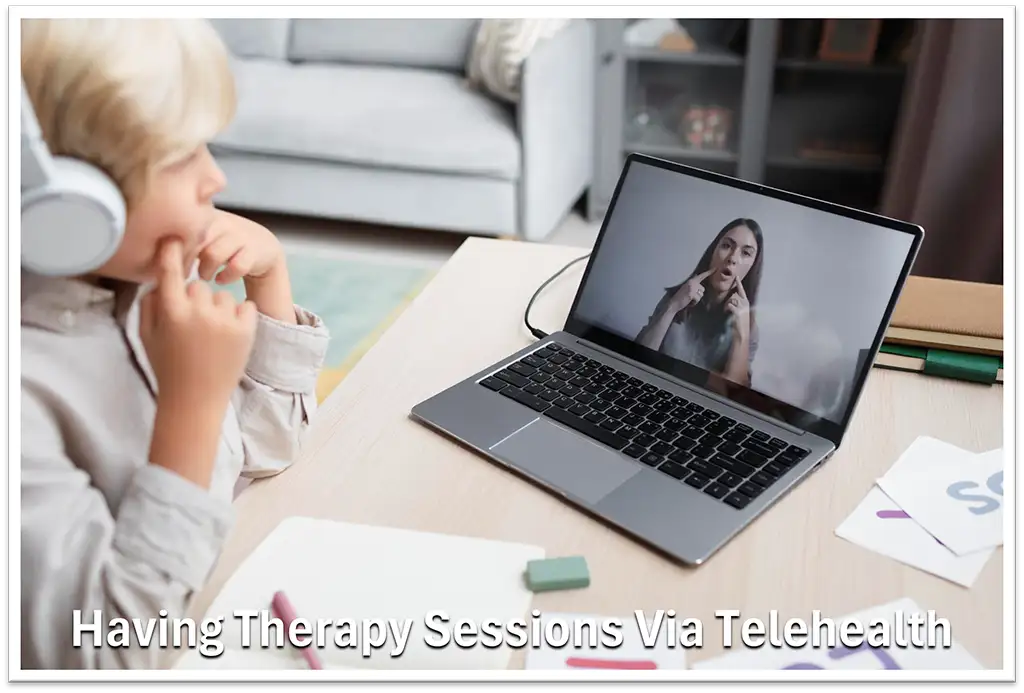
Telehealth has shifted from a pandemic backup plan into a permanent, highly regulated fixture of mainstream allied health care. Here’s what you need to know.
Virtual Care, Real Results: A Patient’s Guide to Telehealth
Not long ago, seeing a healthcare professional meant sitting in traffic, searching for parking, and waiting in a clinic lobby. Today, telehealth has transformed how we manage our health. Instead of commuting, you can now consult with top-tier Psychologists, Speech Pathologists, Occupational therapists and more – right from the comfort of your living room.
Telehealth, sometimes referred to as ‘Virtual Therapy’, often matches traditional face-to-face sessions for a wide array of treatments, and can sometimes even prove to surpass them. Whether you are looking to improve your speech, your motor skills or your mental health, Telehealth delivers effective, science-backed results to support you on your journey.
If you are curious about virtual care but are unsure how it actually works, we will outline some benefits and show you how to prepare for a seamless first session.
The Benefits of a Session via Telehealth
- Easier Access for those in rural or regional areas.
- Less Travelling, reducing time and cost for families.
- Appointments in a familiar environment – reduces stress.
- Greater flexibility around work, school & family commitments.
- Access to specialist clinicians regardless of location.
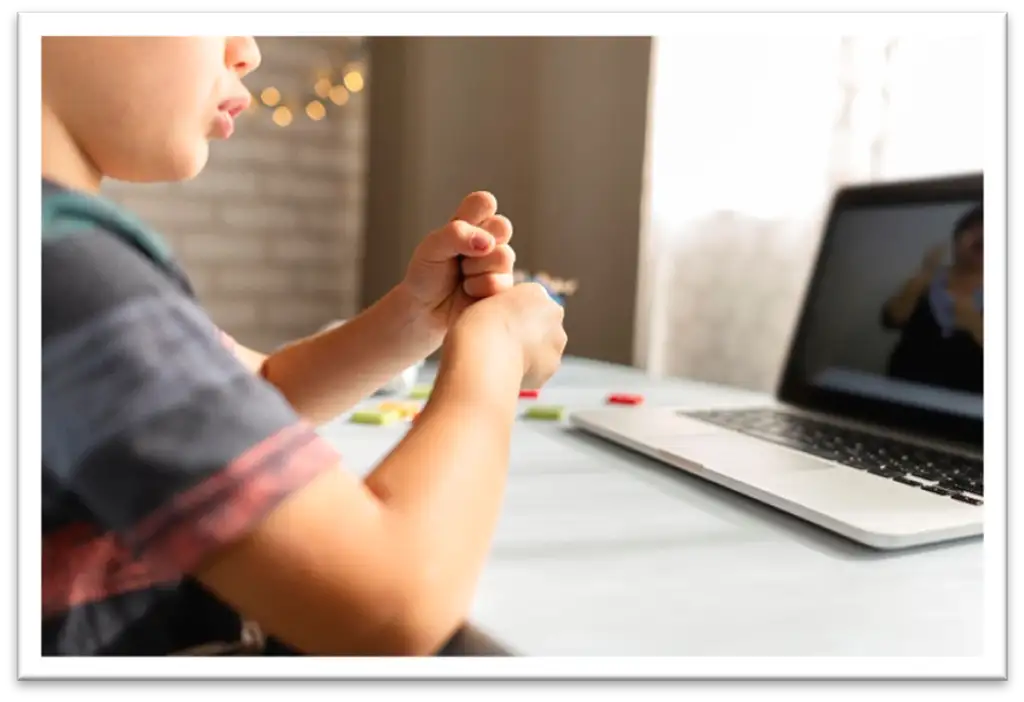
Your Checklist: Preparing for Your First Session
You do not need to be a technical expert to have an amazing telehealth appointment. Following these simple steps will ensure your call goes smoothly:
- Secure Your Device: Use a smartphone, laptop, or tablet equipped with a functional camera and a fully charged battery.
- Optimize Your Space: Find a quiet, private area with bright overhead or front-facing lighting so your clinician can see you clearly.
- Position Your Camera: Set your device on a stable surface, usually at eye level for most types of therapies or at hip height if your clinician (for e.g. an OT) needs to observe your full body.
- Gather Home Props: Keep everyday items close by—notepaper and pens, or your specific speech therapy workbooks.
- Wear Comfortable Clothing: Dress in flexible wear or loose garments that allow you to move comfortably.
Is Telehealth Right for Everyone?
While highly versatile, virtual appointments are not a universal fix for every clinical scenario. Children who cannot sit still, have trouble focussing for any period of time, are hard of hearing and may struggle to lip read, for example, may prefer to have sessions in person, but for the most part, telehealth provides a flexible and highly personal path forward. At times, parent or caregiver coaching over telehealth can be an effective alternative when some of the aforementioned barriers present themselves.
Frequently Asked Questions
- What equipment do I need for a telehealth session?
You only need a smartphone, tablet, or laptop with a working camera, microphone, and a stable internet connection. - How do I receive the video link for my appointment?
Your clinic will send a secure link via email or SMS before your session. You simply click it to join. - Are virtual allied health sessions as effective as face-to-face appointments?
Yes. Research shows that remote tracking, verbal coaching, and guided home activities achieve clinical outcomes equal to in-person care. - What should I wear to my virtual appointment?
Wear loose, comfortable clothing that allows you to move freely and feel at ease, and lets the clinician see you in action if required - Can I use the NDIS, government funding or private health insurance for telehealth?
Yes. Most private health funds, Medicare, and NDIS plans cover telehealth sessions exactly the same as in-person visits. - What happens if our internet connection drops during the call?
Your clinician will have a backup plan. They will typically call your mobile phone immediately to troubleshoot or finish the session. - How do I prepare my home space for the session?
Find a quiet, well-lit room with enough space to move. Clear a spot where you can position your camera at either eye height or hip height as required.
If you’d like to find out more about One Central Health, contact us today via our enquiry form or by calling (08) 9344 1318.
ALL Images Courtesy of FREEP!K